The WildVero Journal
Ideas with mudon their boots.
Design stories, practical guides and small notes from the places that keep WildVero moving.
Read the latest
FIELD JOURNAL / NATURE & ADVENTURE FOLLOW THE TRAIL. KEEP THE STORY.
WildVero studio journal
01 / Journal index Stories from beyond the studio
Notes for the scenic route. 3 published field notes
Inside a small studio
Made with curiosity,not a production line. This is where we share the honest process behind WildVero: the photographs, sketches, imperfect tests and little decisions that turn an idea into something you can wear, carry or give.
01 Studio stories02 Print process03 Field notes
All stories Studio Stories Studio Stories NOTE 01 / STUDIO STORIES
10 Sep 2026 10 min read
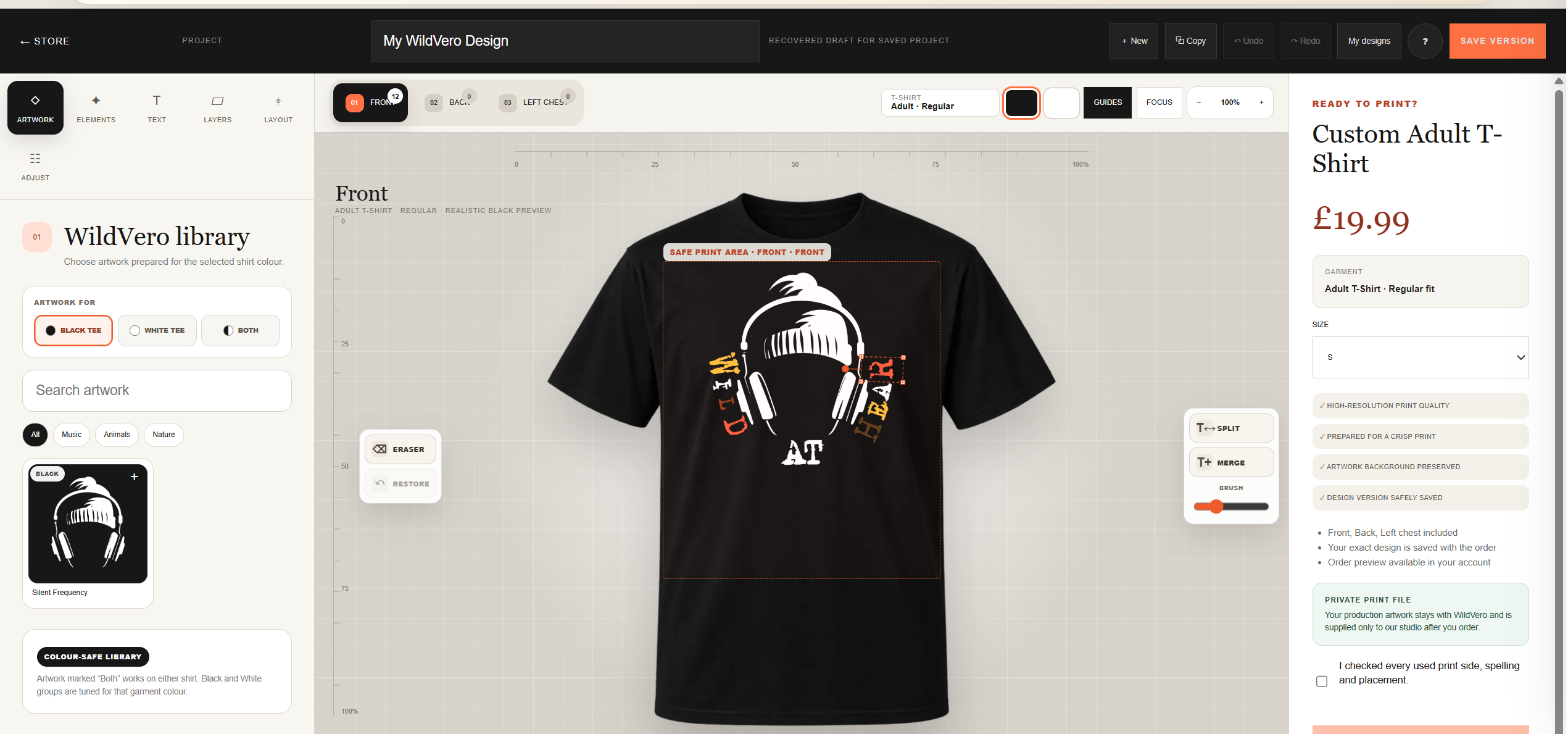
Create your own WildVero T-shirt using curated artwork, custom text and creative elements—then order a professionally printed version of your design.
Read the full story The field archive
More from the journal. 2 more stories NOTE 02 / STUDIO STORIES Studio Stories 04 Sep 2026 7 min read
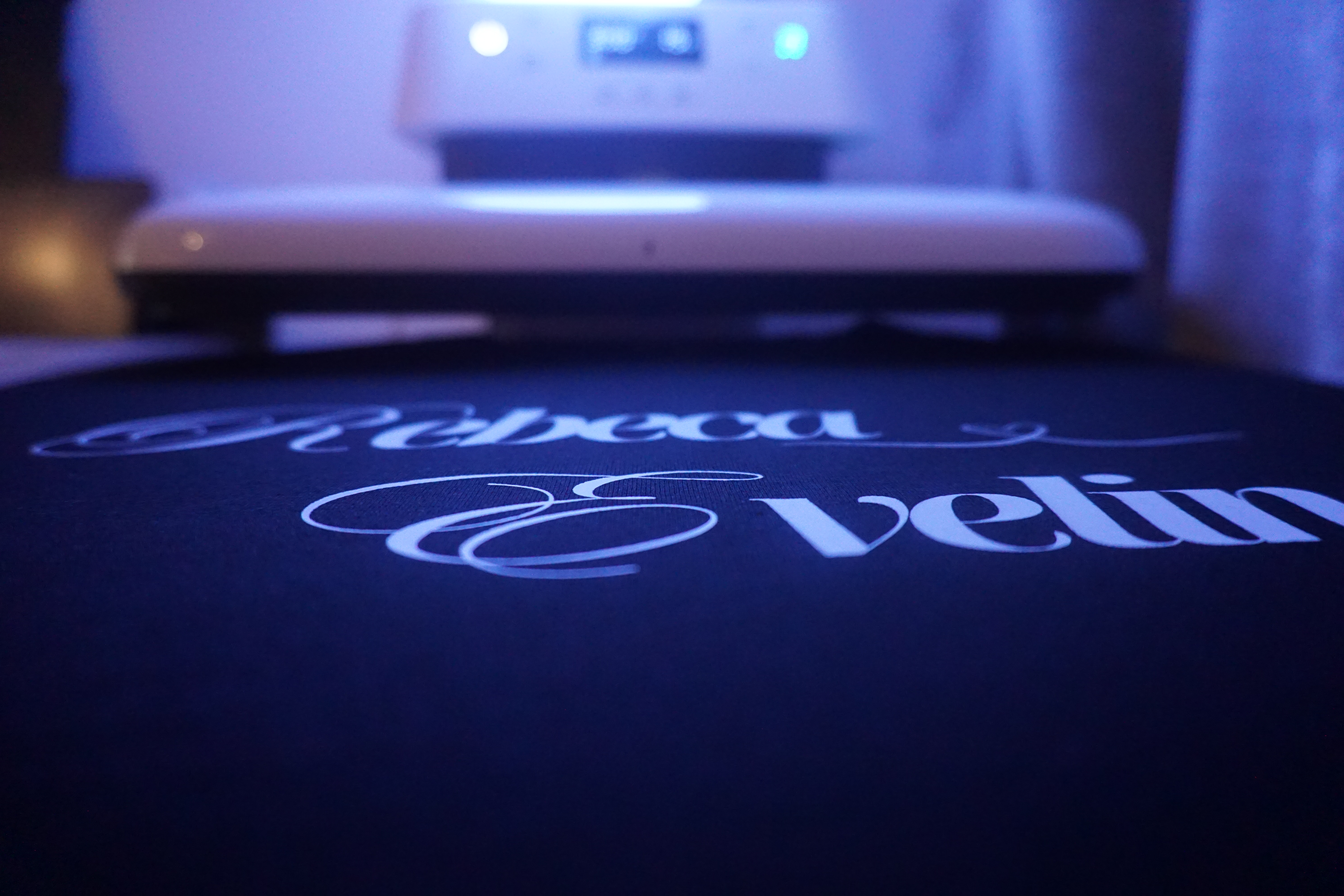
Step inside WildVero, a small private studio where original T-shirts and mugs are designed, printed and packed with care using DTF and sublimation.
Read the field note NOTE 03 / STUDIO STORIES Studio Stories 13 Aug 2026 8 min read
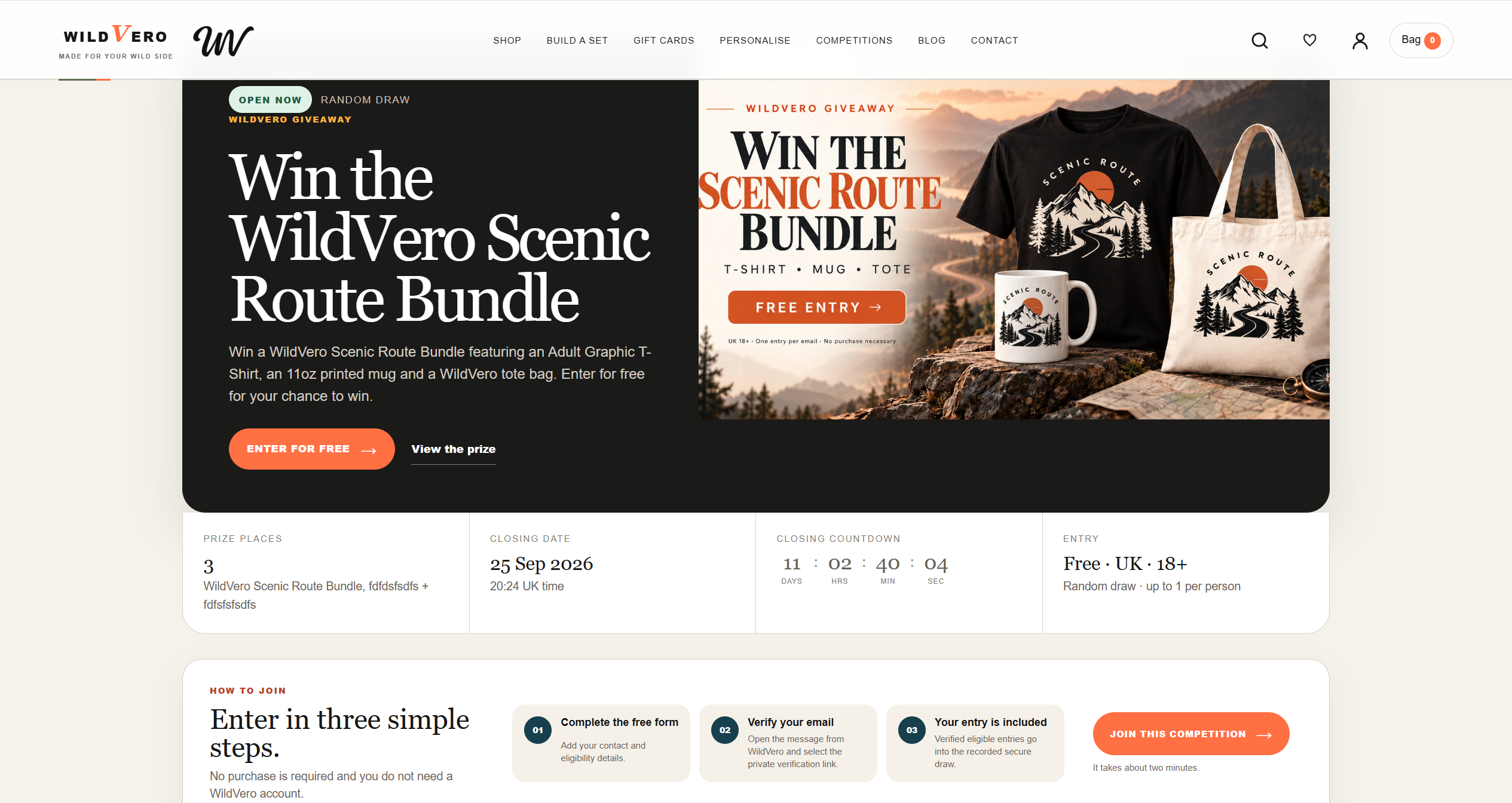
WildVero Competitions are here. Discover free prize draws, special giveaways and creative challenges, see what's available to win and learn how our simple verified entry system works.
Read the field note W / V Independent design · Milton Keynes, UK
Small studio. Big horizon. Meet WildVero
You're offline. Reconnect to continue shopping.
×
WildVero on your phone
Take your wild side with you.
Open WildVero in Safari. Tap Share , then Add to Home Screen . Choose Open as Web App if shown, then tap Add . Use an up-to-date Chrome browser on Android. Open its menu and choose Install app or Add to Home screen , if available. Wait for the device to confirm installation.
Continue in Chrome to add WildVero to your phone.
Samsung Internet may block installation on some Android devices. Open WildVero in an up-to-date Chrome browser, then choose Install app from its menu.
WildVero app link
If Chrome does not open, copy the link and paste it there. You can keep shopping in this browser.
If Android blocks installation, keep Play Protect enabled and continue using the website.
Use the install icon in your browser's address bar, or choose Install WildVero from its menu.
Your products, saved favourites and account are all part of the same WildVero store.
You can always continue in your browser.
Keep browsing
 Studio Stories

 Studio Stories
 Studio Stories
